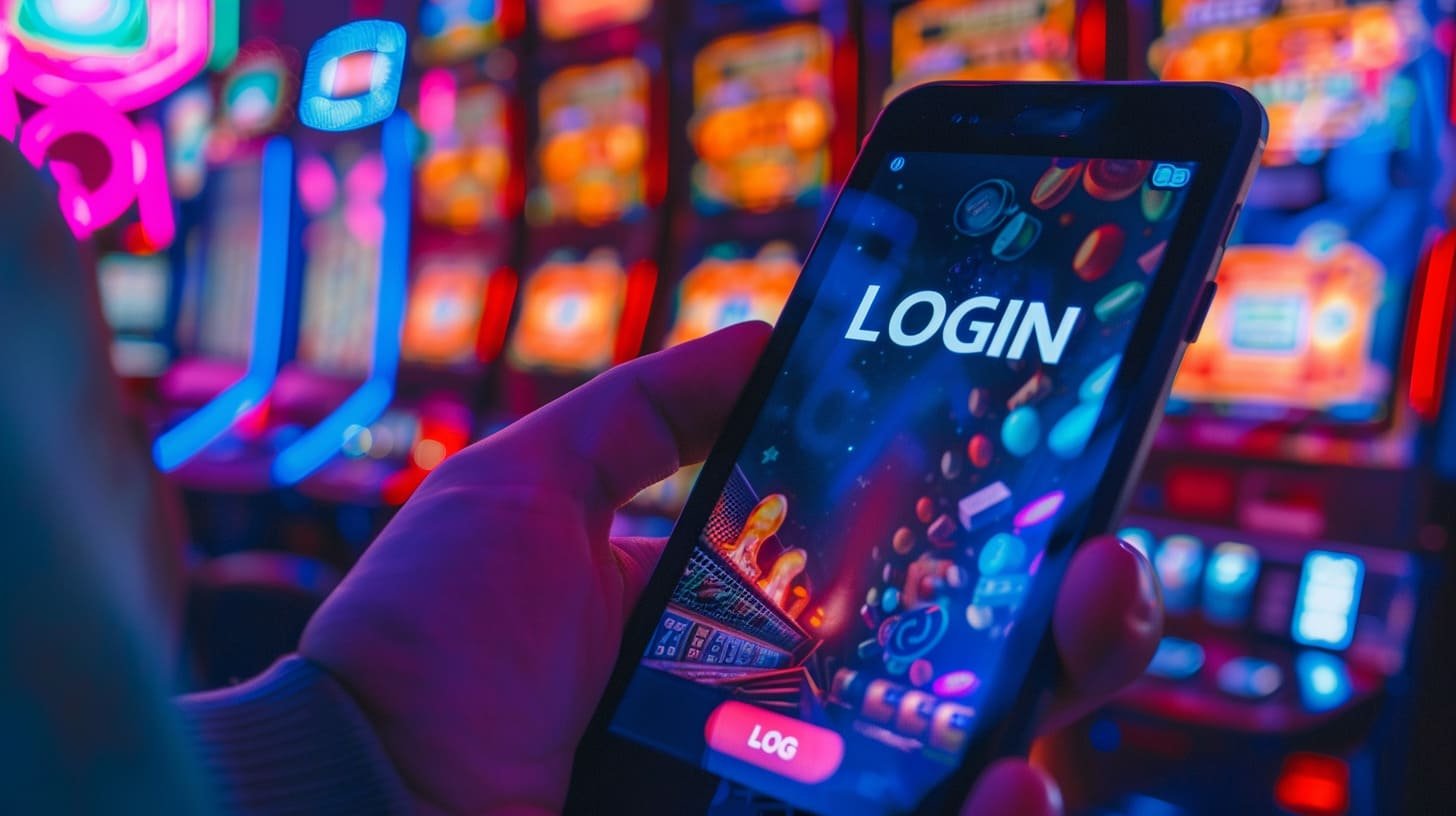
881be Download – Download the App for Android and iOS and Take the Full Platform in Your Pocket

Slots, Live Casino, Fish Games, and much more — all accessible from anywhere. The 881be app was built to work well on Android and iOS, with an English interface and integrated Pix deposits.

Android 7.0+ iOS 13+ Web browser PT-BR Interface
881be
Android 7.0+
iOS 13+
~45MB App Size
PT-BR Native Interface

Choose how you want to access 881be

Android

Android 7.0+

Install the APK directly, without going through the Play Store. Simple and quick process.

~45 MB ARM / ARM64 4G / Wi-Fi

IOS

iOS 13+

Access via Safari and add to your home screen as a native app. No App Store required.

iPhone / iPad Safari 15+ 4G / Wi-Fi

Web Browser

No installation

Access via Chrome, Firefox, or Edge on your computer. Full platform with nothing to install.

Windows / macOS Chrome / Firefox Responsive

Why downloading the 881be app is worth it

Playing on mobile is already a habit for most Brazilians, and 881be was built with that user profile in mind. The app is not simply a mirrored version of the website — it was optimized for smaller screens, with larger buttons, more direct navigation, and faster loading than the conventional web version. If you usually play on public transport, during a work break, or relaxing on the couch, the difference is noticeable.

The interface makes everything easy for those who don't want to spend time deciphering terms or searching for deposit options. Everything you need — balance, betting history, access to game categories, account settings — is just a tap away, with no need to navigate complicated menus.

Another strong point is the Pix integration. You can make a deposit without leaving the app: generate the QR Code directly in the app, open your bank on your phone, pay, and the balance appears in your account within seconds. For anyone in a hurry to start playing, that makes a real difference.

881be

How to install the app on Android

1

Go to the download page. Using your Android phone's browser, open the 881be website and navigate to the app download section.

2

Allow installation from external sources. Go to Settings › Security › Install unknown apps and enable the permission for your browser. This step is required because the APK is not on the Play Store.

3

Download the APK file. Tap the download button and wait for the file to finish downloading. The size is approximately 45 MB, so on a 4G connection it takes about 30 seconds.

4

Install the app. Open the APK file in your downloads folder and confirm the installation. The 881be icon will appear on your home screen automatically.

5

Log in or create your account. Open the app and tap Login if you already have an account, or Register to create a new account. The registration process takes less than two minutes.

How to add 881be to iPhone or iPad

1

Open Safari. On iPhone or iPad, Safari is the recommended browser. Access the 881be website directly by entering the address in the navigation bar.

2

Tap the share button. In Safari's bottom bar, tap the share icon (box with an upward arrow).

3

Add to Home Screen. Scroll through the options menu and select "Add to Home Screen". Confirm the name as 881be and tap Add.

4

Access it like a native app. The icon appears on the home screen. Tapping it opens 881be in full screen, without the browser bar — exactly like an installed app.

What the app offers that the browser does not

Faster loading

The app stores interface elements locally, which reduces game loading times compared to browser access.

Event notifications

Receive alerts about special events, promotions, and new games directly on your phone screen, without needing to open the platform.

Biometric login

On Android and iOS devices with biometric support, you can log into your account with a fingerprint or facial recognition — no need to type your password every time.

Automatic dark mode

The app respects the operating system preference. If the phone is in dark mode, the 881be interface adapts automatically.

Detailed history

Access the full history of bets, deposits, and withdrawals directly through the app, with filters by date and game category.

Integrated Pix

Generate the deposit QR Code within the app and pay through your bank without switching screens. The balance is credited instantly.

881be

Games available on the 881be app

The app gives you full access to all game categories on the platform. Nothing is left out — you get the same selection of titles as the desktop version, with the advantage of an interface adapted for touchscreen.

Slots and Slot Games

The section of Slots and Slot Games is the most popular category among app users. Titles load quickly and animations run smoothly even on mid-range phones. You can browse the catalog using filters by theme, provider, and volatility, making it easy to find a game that matches your style without scrolling through hundreds of options.

Live Casino

The tables of Casino live games work great on the app. The dealer video stream is optimized for 4G connections, and the interface clearly displays the table limit, available bets, and the history of recent rounds on a compact screen. For blackjack and roulette, the action buttons are at the bottom of the screen, right where your thumb naturally rests — an ergonomic detail that makes a real difference in longer sessions.

Fish Games

The Fish Games was made for touch. Aiming and shooting with your finger feels more natural than using a mouse — the sensation of direct control over the cannon is one of the reasons this game has such a loyal following among app users. Graphics performance holds up well even on phones with 3 GB of RAM.

Games Lobby

The Games Lobby in the app displays the day's highlights, special events, and platform news in an organized way. It's the ideal starting point for users still exploring the catalog or looking to discover titles they haven't tried yet.

Deposit and withdrawal through the app

All financial operations take place within the app. To make a Deposit, you access the account menu, choose the payment method — Pix, boleto bancário, credit or debit card, bank transfer — and follow the instructions. Pix is the fastest: the QR Code is generated instantly and the balance appears in seconds after payment. For withdrawals, the process is equally simple: you request it through the dashboard, enter your Pix key, and receive the amount directly in your bank account.

The 881be app collects device usage data to function properly. Please refer to the Privacy Policy to understand how this information is stored and protected.

App vs Browser: what changes in practice

Feature Android App IOS App (PWA) Web Browser
Loading speed Very fast Fast Moderate
Push notifications Yes Limited No
Biometric login Yes Yes No
Full screen (no nav bar) Yes Yes No
Installation required APK (~45 MB) Add to screen None
Automatic update Yes Yes Yes

Minimum requirements to run the app

881be

Security and privacy in the 881be app

One thing many people don't realize is that installing an APK directly — without going through the Play Store — doesn't mean compromising your phone's security, as long as the file comes from a trusted source. The official 881be APK is the same file that would be distributed by any app store, just without the middleman. The file's digital signature ensures it hasn't been modified.

The app uses SSL/TLS encryption on all communications with the server, protecting your login data, payment information, and betting history. No sensitive data is stored on the device beyond what is needed to keep the session active. If you log out or reinstall the app, all information remains secure on the server — not on the device.

Biometric login, when enabled, uses the phone's own security module to authenticate access — 881be never directly accesses your fingerprint or facial data. This is the same technology used by banking apps to protect account access.

App update

The 881be app automatically checks for updates every time you open it. When a new version is available, you receive a prompt inside the app and can update with one tap. Updates generally bring new games, performance improvements, and interface adjustments — the process is quick and does not require a full reinstall in most cases.

For iOS users, updates arrive automatically when you add the site to your home screen, since the Progressive Web App version always loads the latest version of the platform on launch. There is no need to manually check for updates.


Questions about downloading 881be

Yes, as long as you download the file directly from the official 881be website. The APK is digitally signed, which ensures the file has not been tampered with. Installing from external sources is a common practice for entertainment apps in Brazil and does not compromise device security when the file comes from a trusted source.

The Android app runs on devices with Android 7.0 or higher and at least 2 GB of RAM. Mid-range phones meeting these requirements can run Slots and Fish Games without issues. For Live Casino streams, we recommend 3 GB of RAM and a stable 4G connection for the best experience.

On iPhone, open the 881be website in Safari, tap the share button (box with arrow icon), and select "Add to Home Screen". Confirm and the 881be icon will appear on your home screen. Tapping it opens the site in full screen like a native app, without the Safari bar.

No. The app works well on 4G connections. For Slots and Fish Games, a standard 4G connection is sufficient. For Live Casino tables with video streaming, a more stable connection ensures better image quality — Wi-Fi or 4G with good coverage are recommended.

Yes. Your 881be account works across all devices. You can start a session on your phone and continue on your computer — your balance and history stay synced in real time. There is no need to create separate accounts for each device.
Responsible Gaming: the 881be app is intended exclusively for users aged 18 and over. Use the control tools available in your account to set deposit and session time limits. Learn more at Responsible Gaming.

Download the app and play anywhere

Android, iOS, or browser — 881be is available on all devices. Create your account now and deposit via Pix in seconds.

Português (Brasil)